Sprite Stacker
A downloadable tool for Windows, macOS, and Linux
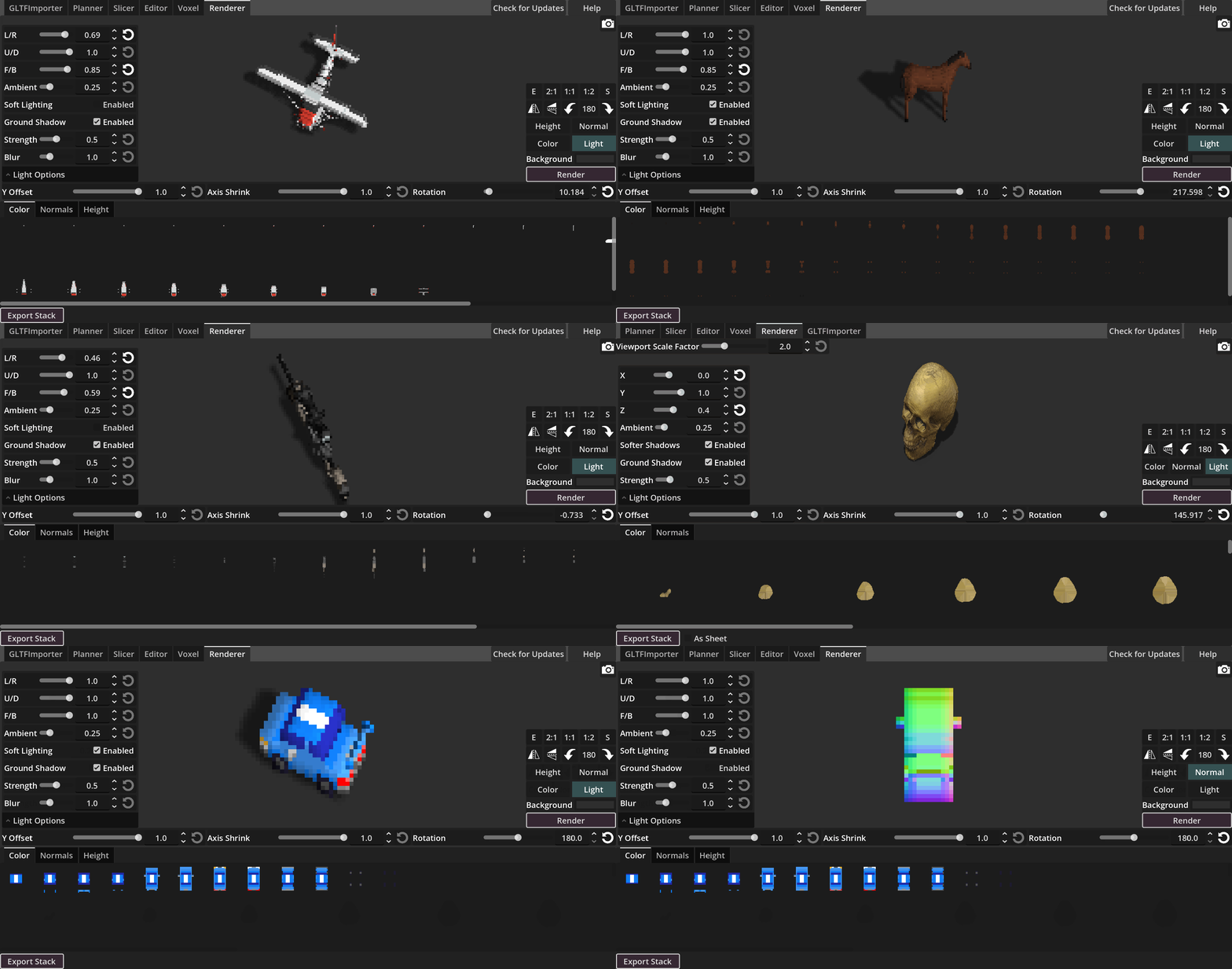
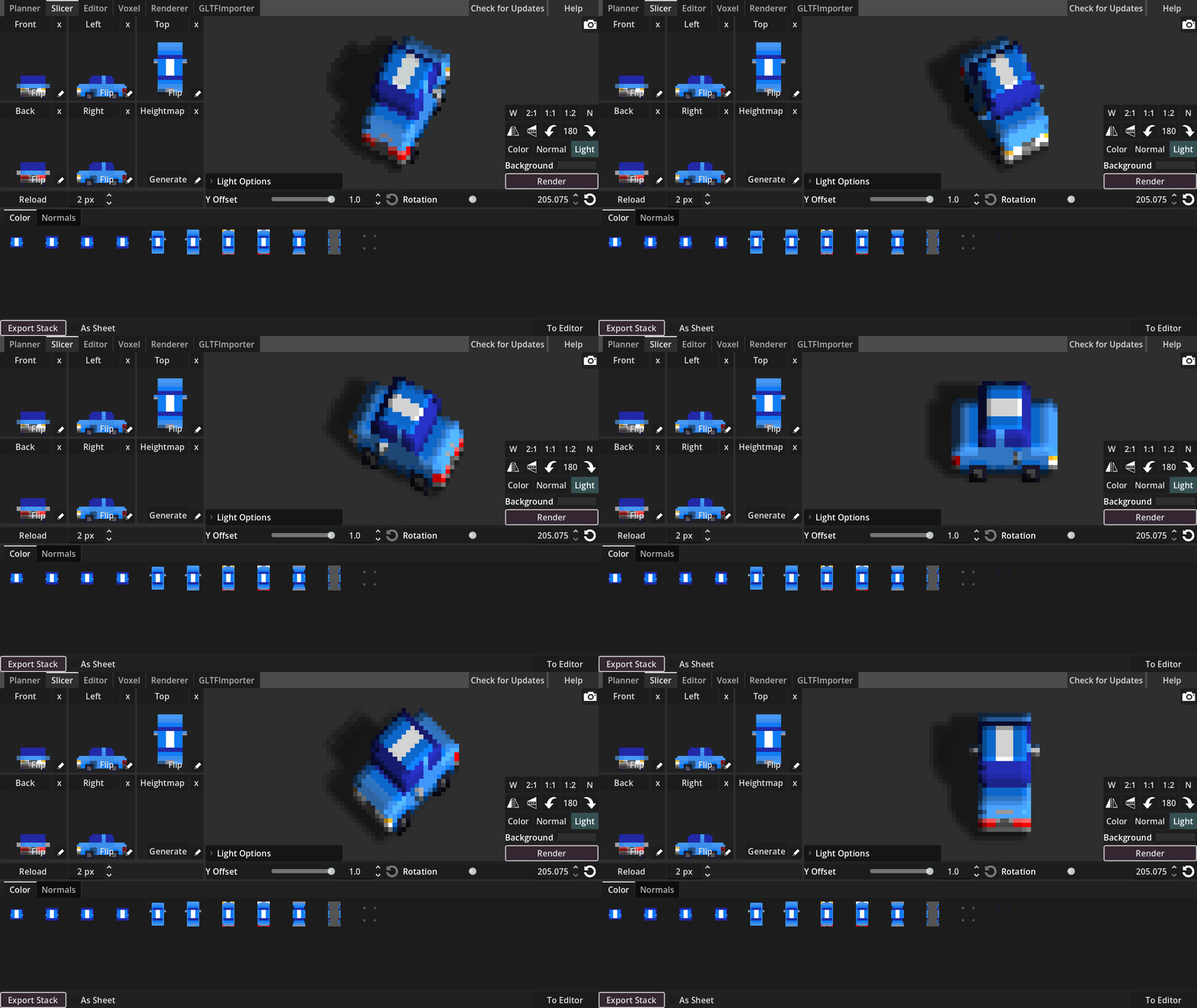
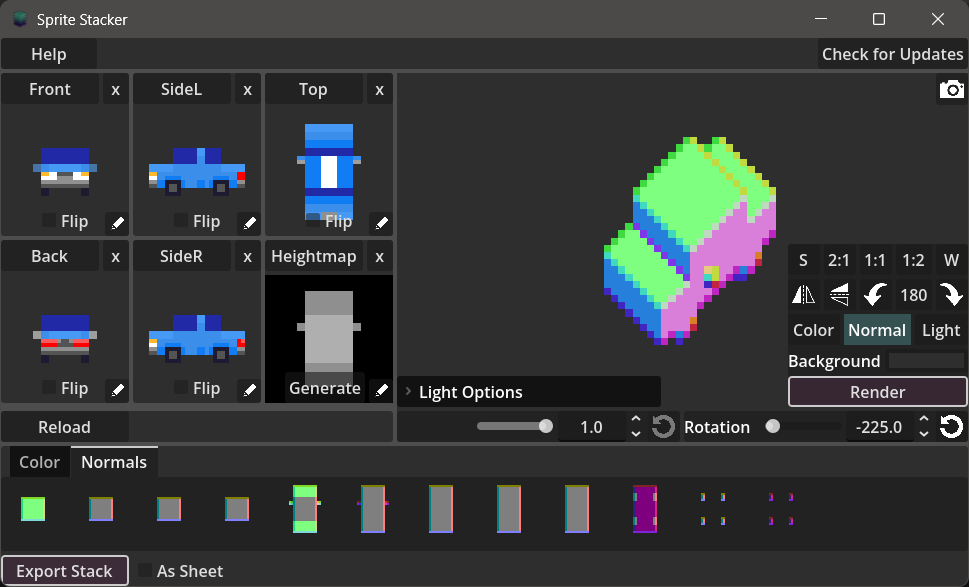
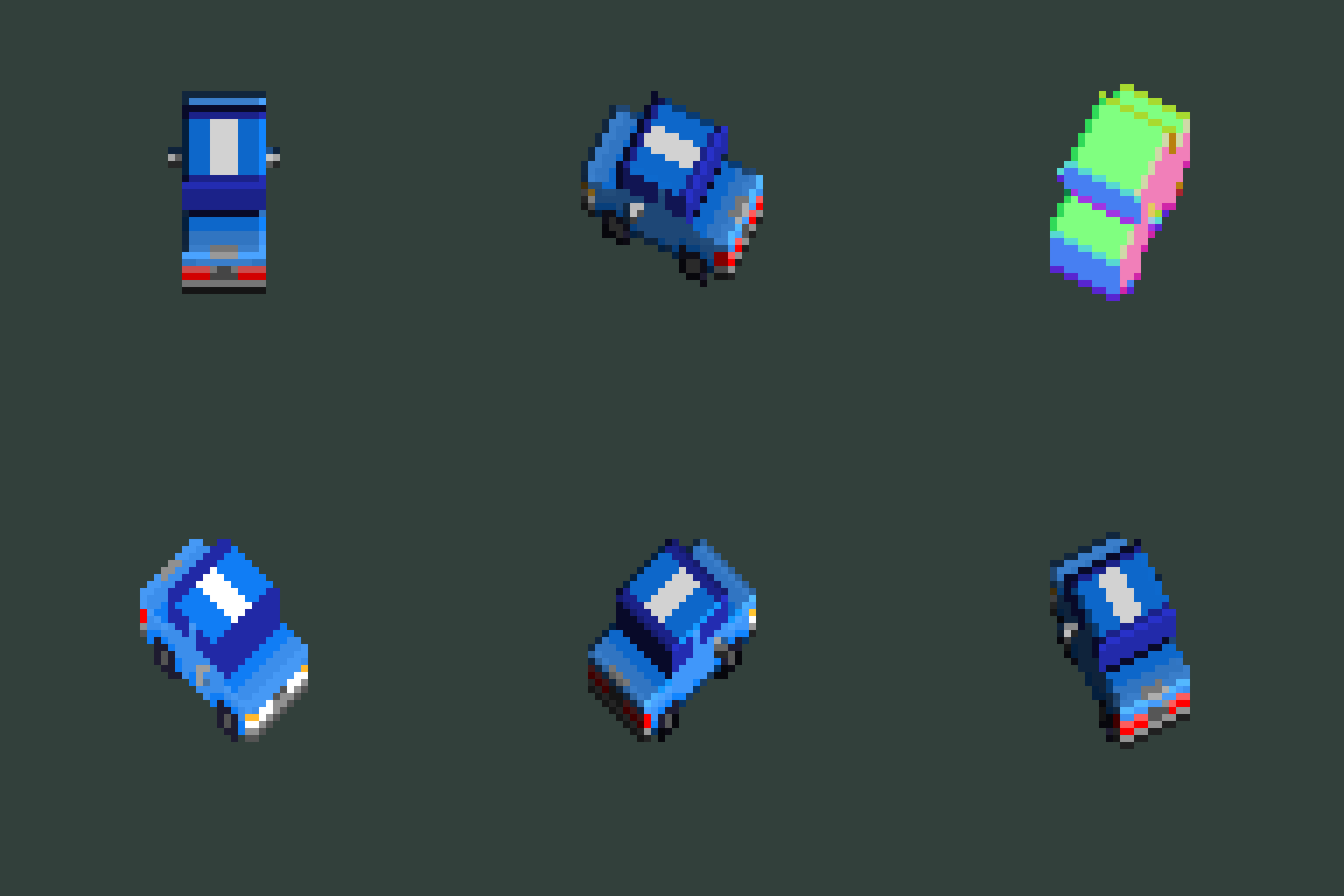
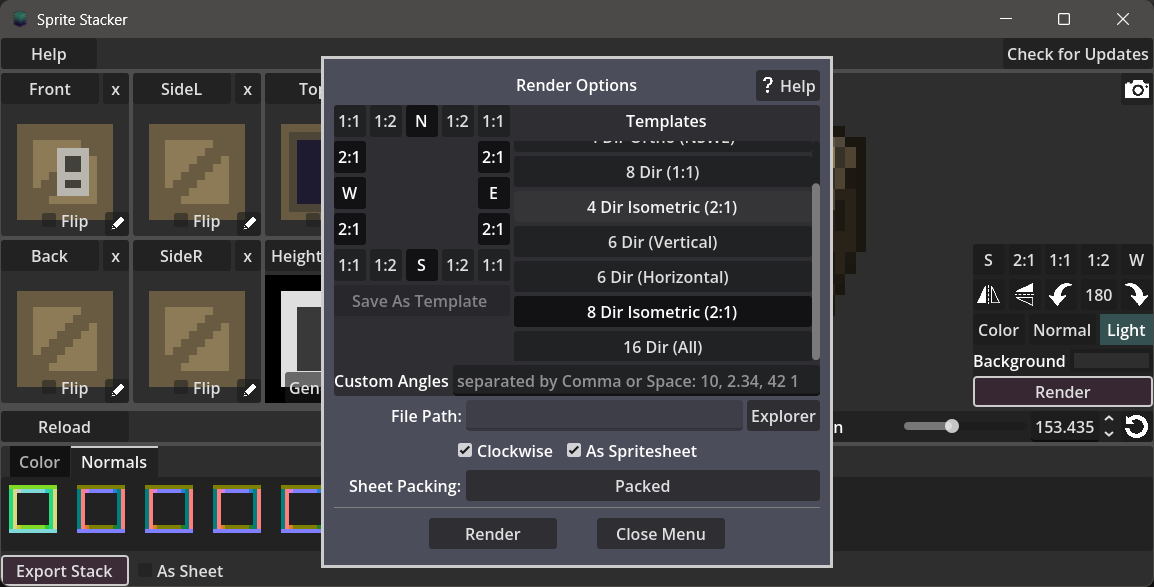
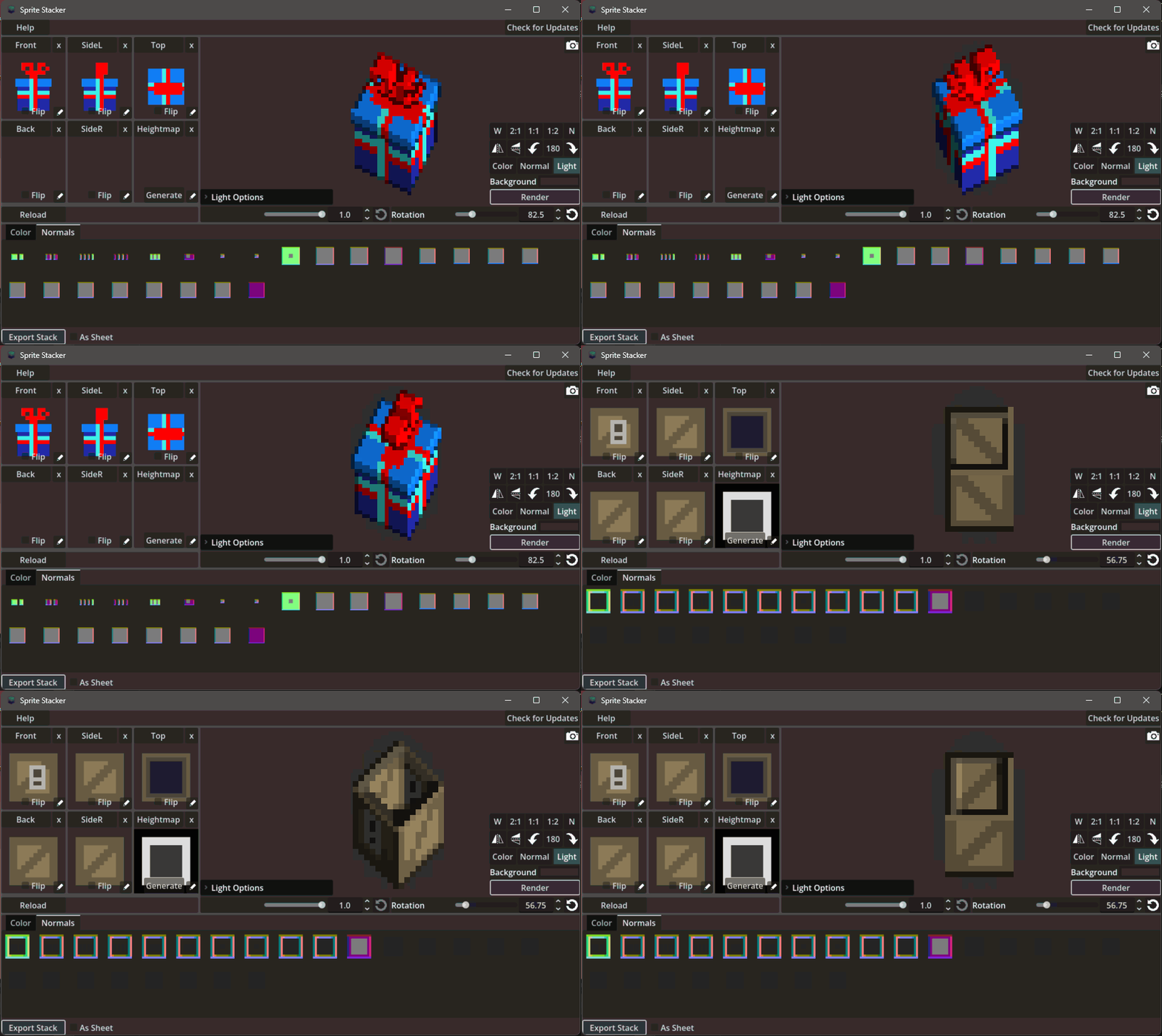
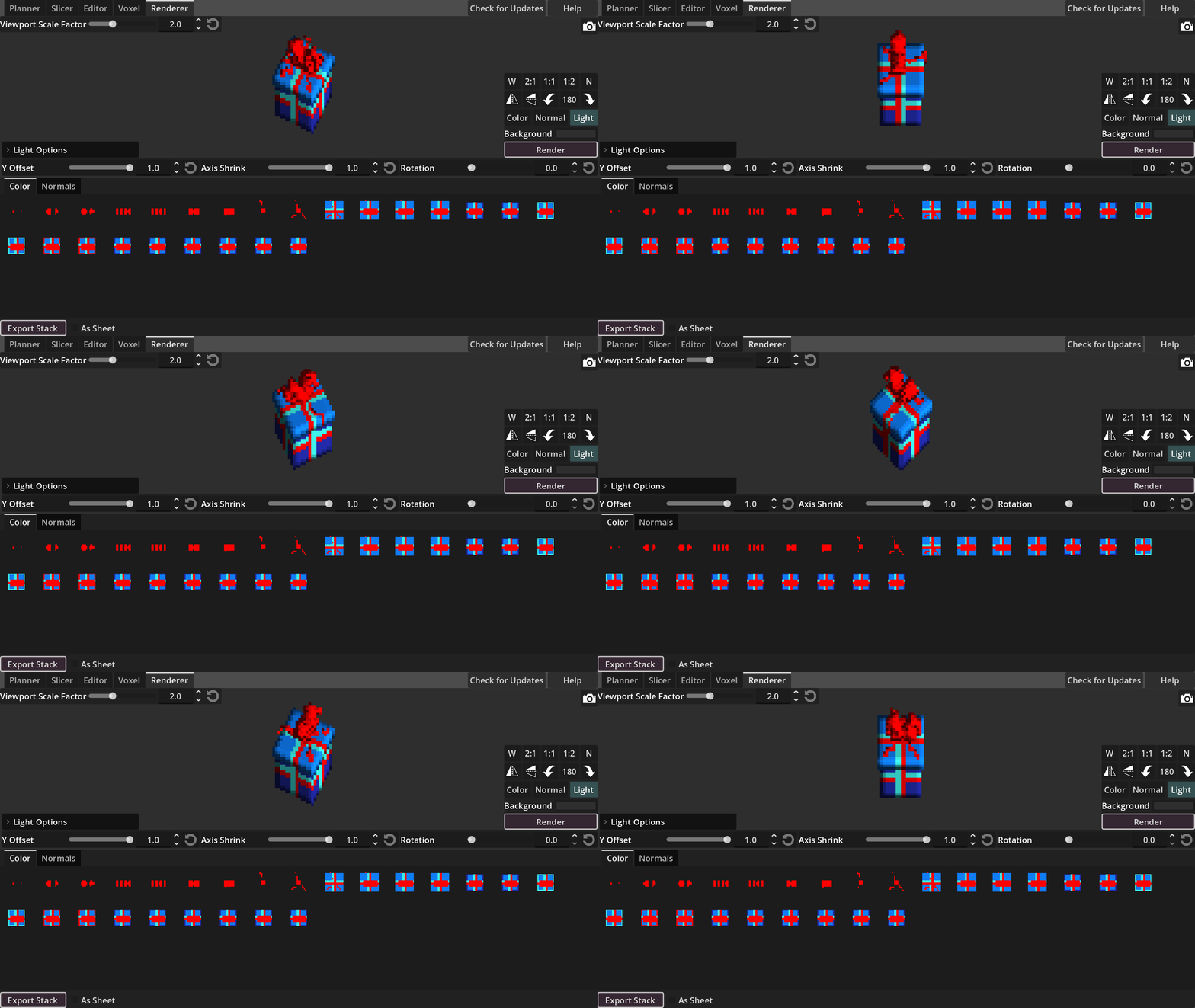
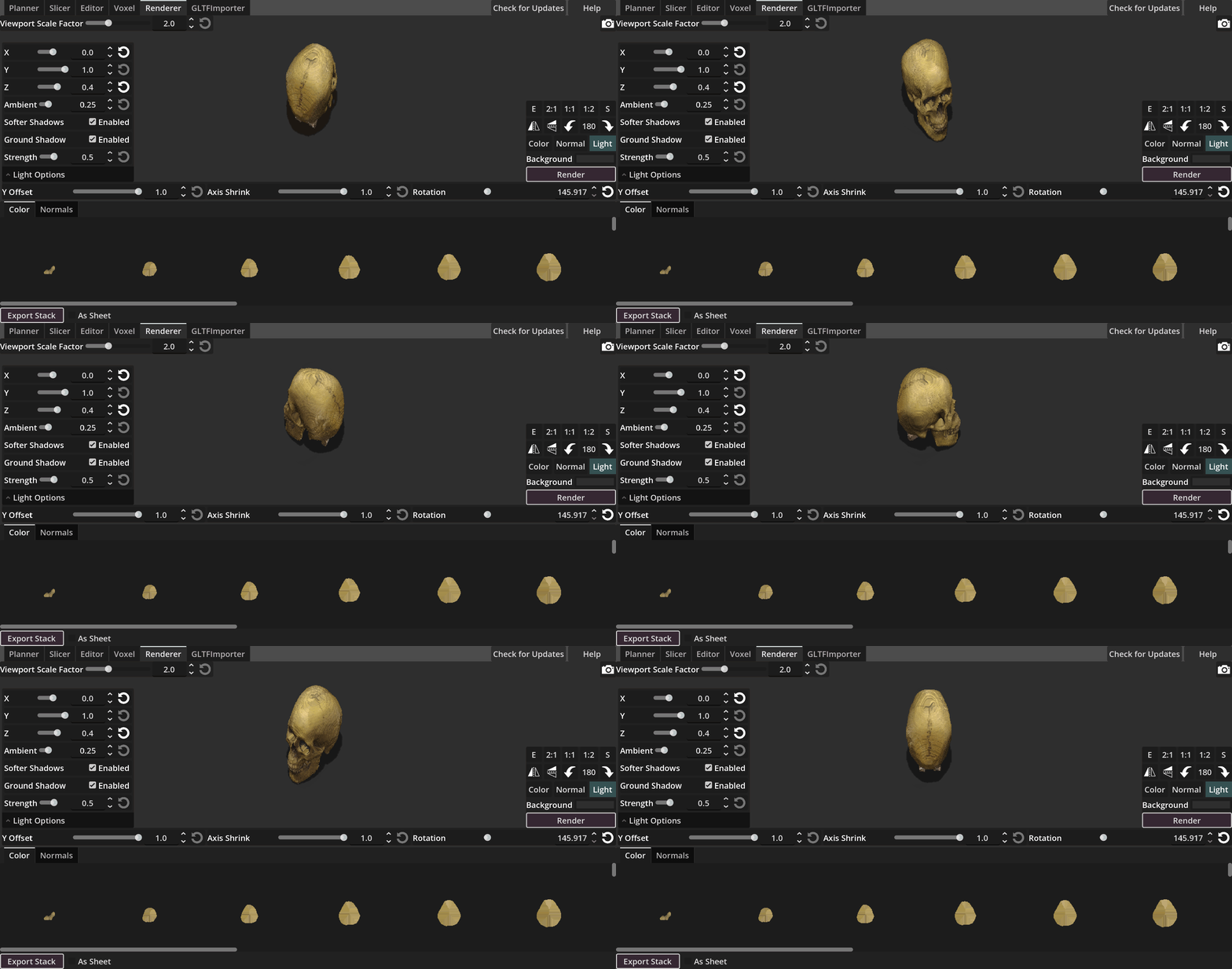
Convert your Pixelart into 3D Voxels, export them as glTF or as a SpriteStack to use them in engine yourself to allow for any 360° rotation on the up-axis. Based on the well-known Sprite Stacking Method. Or render them in app in different pixel-perfect rotations (2:1 for isometric) and 3D lighting + shadow generation with an easy UI.
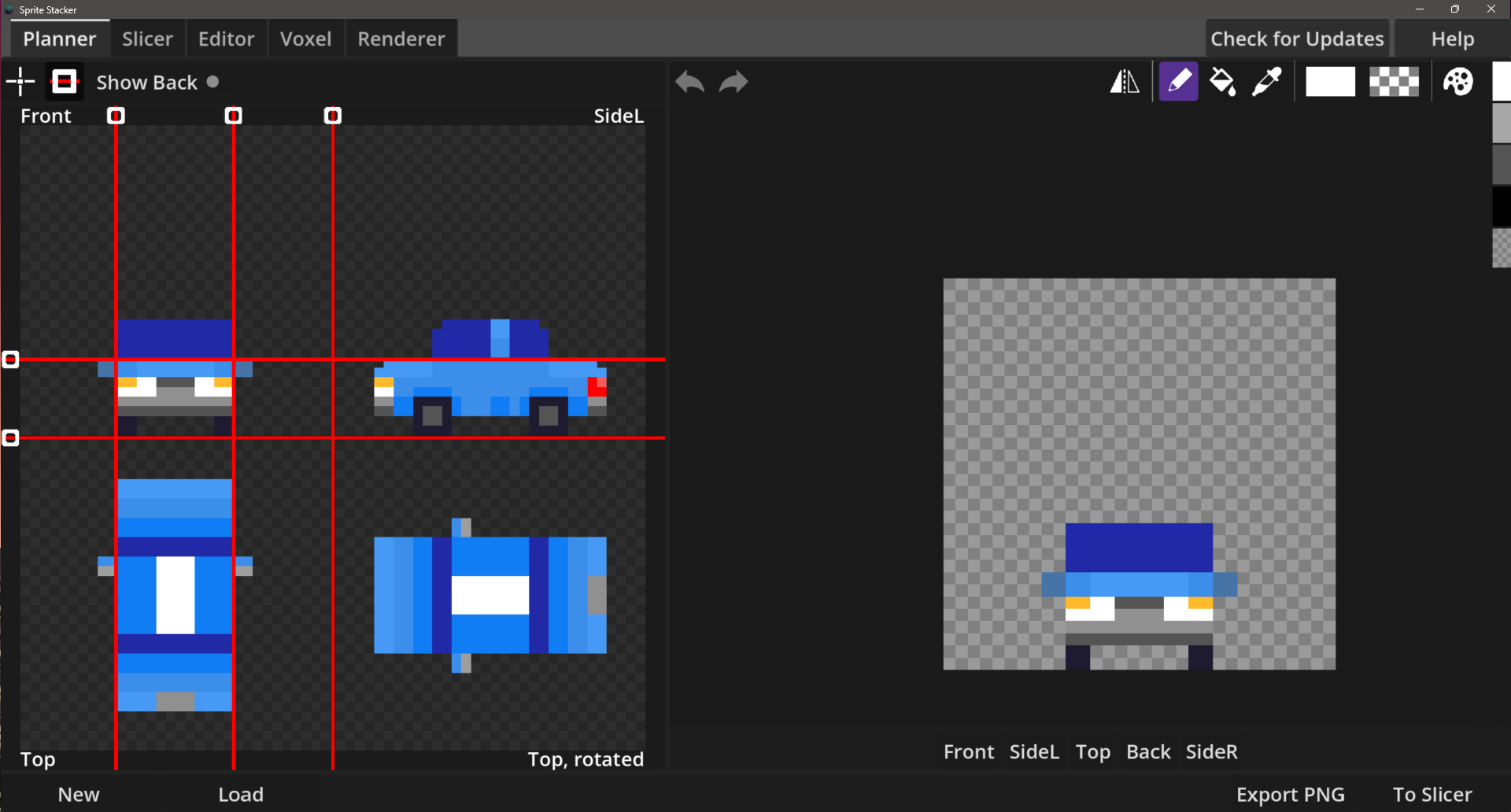
You only need to add front, side-L and top. If back and side-R are empty, they will just use the available image from the other side. You have a planner and drawer inside the app that help with creation and alignment.
Images can be imported and export at any stage that allows for flawless incorporation into other workflows.
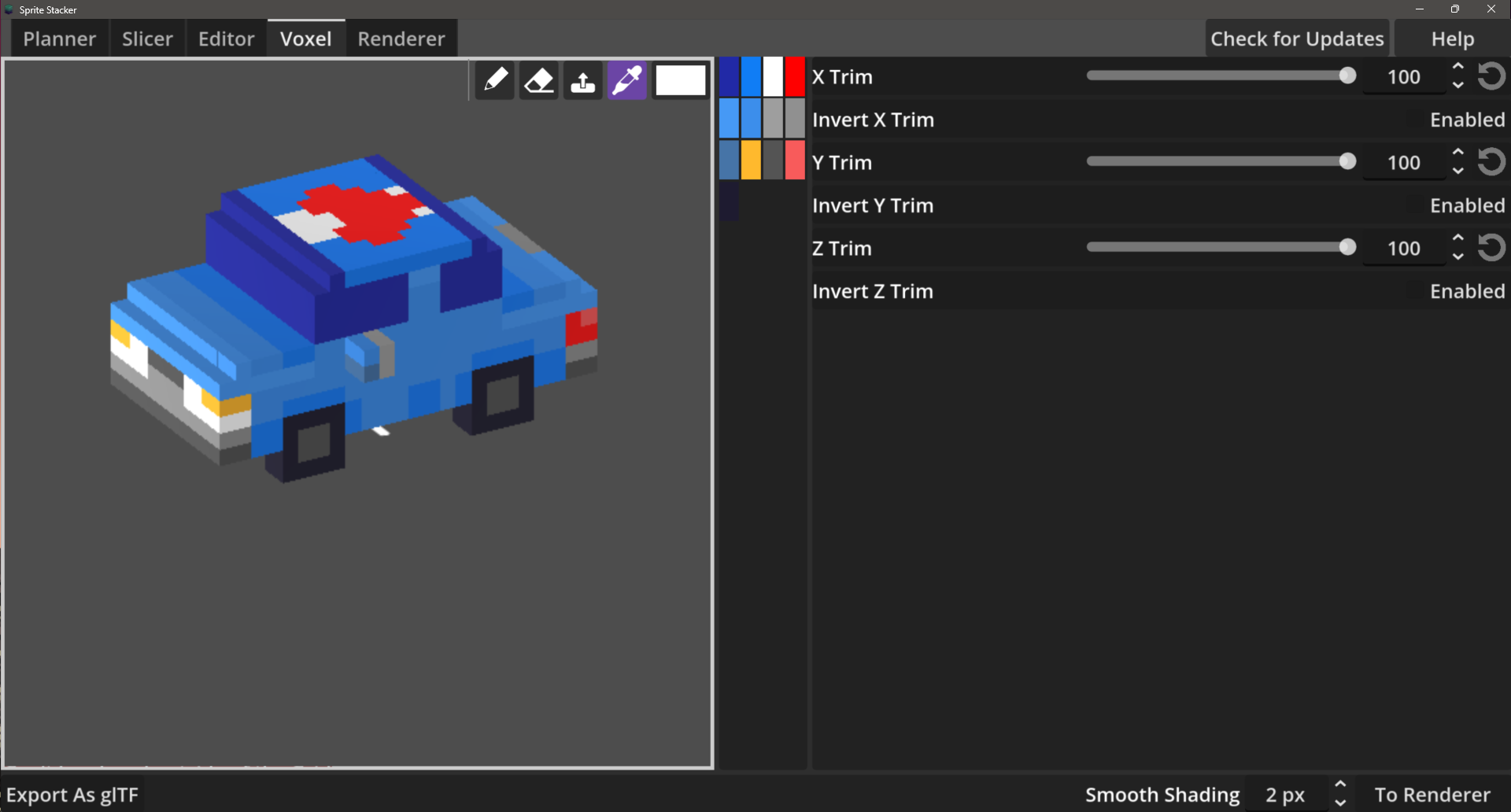
Voxel Editor allows you to edit in 3D for easier editing. It's simple at this stage, but allows for all needed operation on a single voxel for cleanup of your models.
The tool generates colormap and normalmap for the slices. The shader to replicate the preview from the slices is attached in the help menu.
Changelog:
V0.2: Normalmap, Heightmap generation. Perfect aspect ratios (2:1) for isometric. Fake 3D lighting rendering.
V0.3: Smooth Shading for the Renderer, Planner and Slice Editor with Drawer, Voxel Editor with glTF export. Bugfix for UI Scaling on high res screens
V0.4: Heightmap* rendering, better voxel editor tools, e.g. drawing on the projection, push tool and tool depth, ground shadow generation (quite heavy for big models though), GLTF Importer for 3D model import and automatic rasterization to voxel data based on the projection and heightmaps.
*Heightmap can be used in engine for realtime shadowing (without hidden/occluded geometry shadow casting though)
Download
Click download now to get access to the following files:
Comments
Log in with itch.io to leave a comment.
This tool is ingeneous and amazing. I was wondering if you had any plans for CLI/headless capability? Maybe not the full feature set but something along the lines of "take these face images and export in a given format"? I like to automate my export processes :)
Batch processing should be easily feasible. I don't think I would add an extra headless app, more like inside the app for quick generation of the the output from any input. Should be actually just a menu where you can select the input and at what stages you want the export and can very well be the whole feature set, (faces to render, slices to render or faces to voxel model shouldnt be much different). Yeah i can imagine just wanting a different light position and reexporting all assets is not what you wanna do.
Thanks for the input!
Have you read the help instructions (upper right corner)? There it is mentioned how and what to load for any given tab as they currently work independently.
Loading on the slicer tab is a little bit hidden as it is done via the the buttons that seem like the title (e.g. "Front", "Left", etc.), which opens the file explorer for loading individual images.
While, in the planner there is currently only the option to load in batches of the full view and not individual images (see instructions as well).
You can download the test_images in the download section to get something to start with as there are also examples for the different conventions.
Thank you so much for developing Sprite Stacker. I discovered it recently and have absolutely fallen in love with it. It's been a joy to use, and I truly appreciate the contribution you've made. Thank you for creating such an amazing tool.
Very much appreciated! :)
Nice to hear you like it so much and already find joy using it, while in my opinion it's still a bit clunky here and there haha. I am planning on reworking a lot of the UI for a more coherent workflow in the next few months, so stay tuned and any feedback on features you are missing is also welcomed!
As someone who's terrible at blender, but has been using sprite stacking for a long time, this helps a lot.
Thank you
That said, I'm not really sure I understand how importing sprites works when it comes to the planner
Edit : Didn't notice the test images in the downloads section. I get it now lol. This tool is amazing
Great to hear!
Yeah, it still lacks on nice UX as it grew quite unplanned from a much simpler idea. Never thought i would have a voxel editor or rendering system. There will be a big change of ui for V1.0 so that everything is more bound together. Currently it is fine, it works, but is is not optimal or always intuitive.
Looking forward to any updates to this.
I can finally make 3D models now instead of relying solely on sprite stacking as a crutch lol
Be aware, the exported gltf models are heavily unoptimized at this point. The option for 3D model export is currently only meant for transfer into other apps for optimization or stuff like 3D printing where vertex count doesnt matter. You might want to check out MagicaVoxel or other alternatives if you want to make engine ready 3D models.
As i cant compete with such editors, i will try to make something in between of a 2D drawing app and 3D Voxel editor which can help in transforming stuff and also just trying to experiment with sprite stacking.
Tbh it should be fine. I converted the exported gltf models into fbx models afterwards
And looking at the games I make, I don't think it should be that much of a problem all things considered. None of my games are all that graphically intensive anyway.
Will keep it in mind though. Thanks
se ve genial
Thank you!!!!
Looks awesome!