Texture Extractor
A downloadable tool for Windows, macOS, and Linux
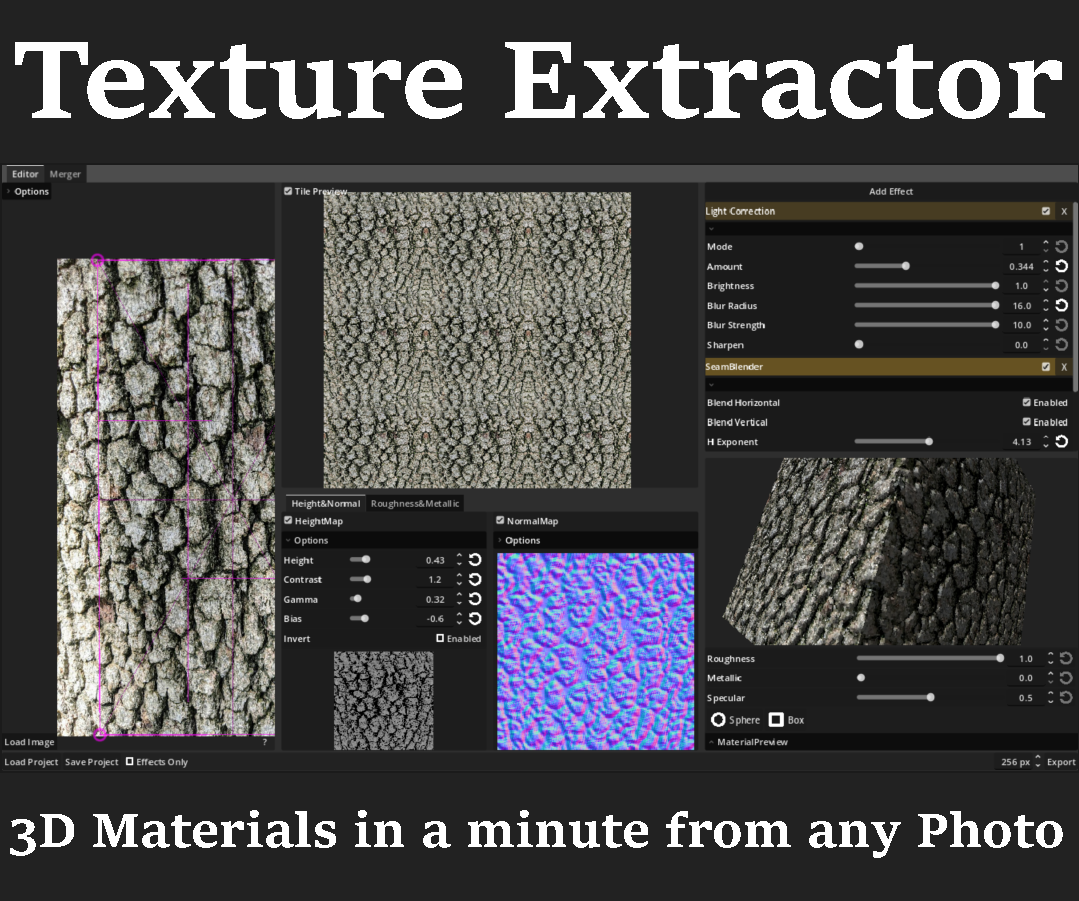
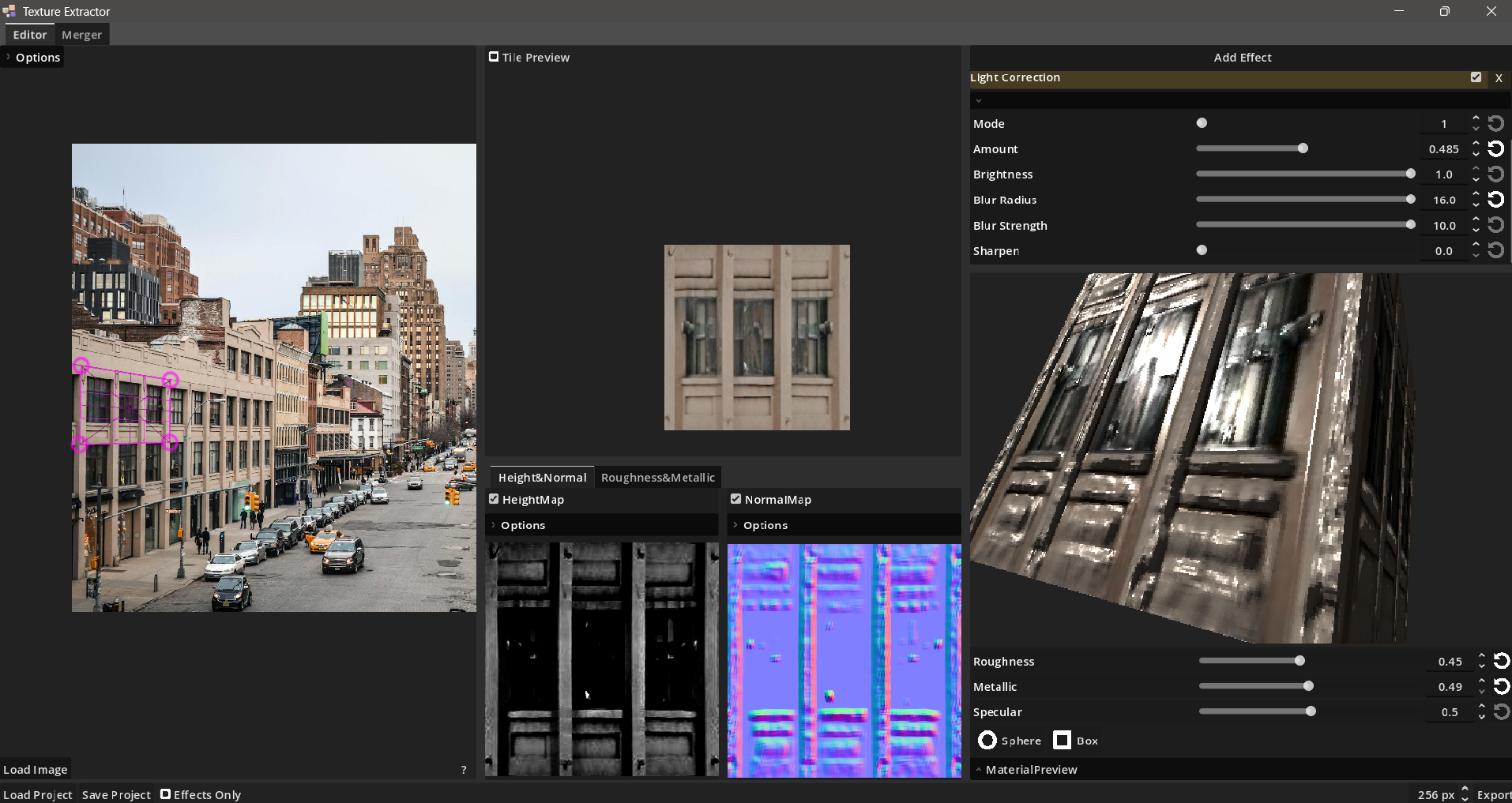
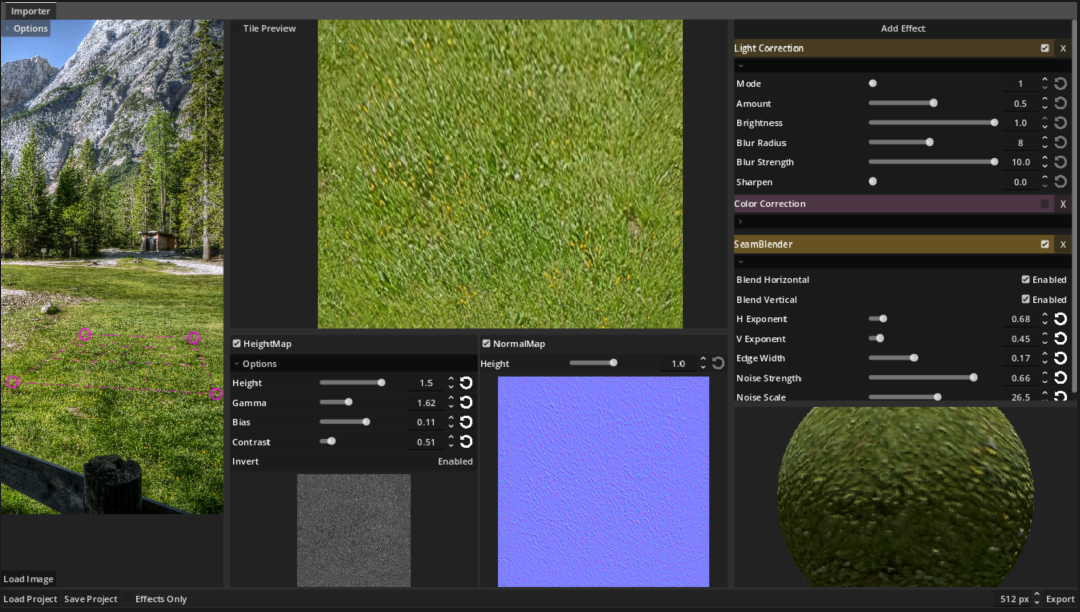
A tool for orthogonal texture extraction from perspective photos or images, including height, normal map, roughness and metallic mask extraction for 3D materials as well as some effects for correction and stylizing.
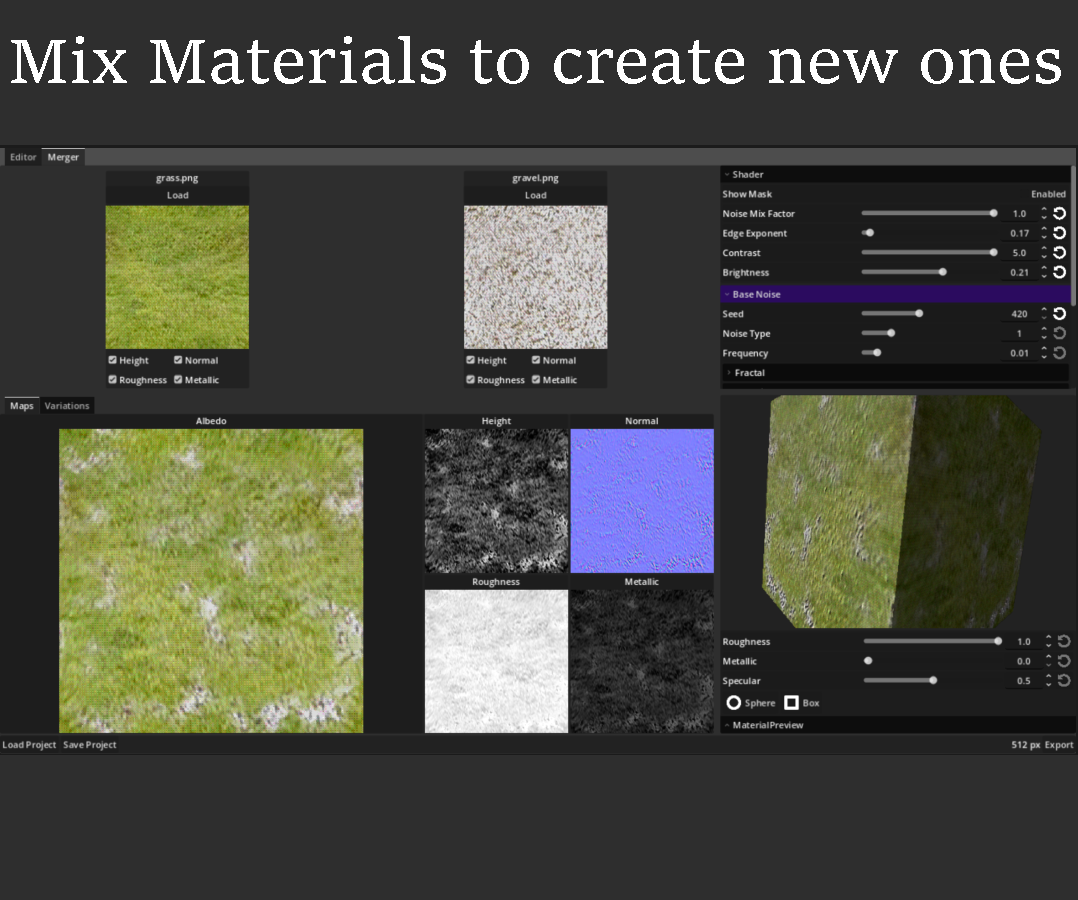
Mix your extracted materials to create endless new ones.
Instructions to use:
- Load new image (Bottom Left)
- Adjust Frame (left Images)
- Move image with pressed Center Mouse Button (Scrollwheel)
- Add Effects (Top Right) and adjust
- Export Images (Bottom right) [Normal and Heightmap will be exported if checkboxes are active]
Currently in developement. Most features i are there now in V0.5 and that is probably the last version before V1.0 if there arent any major bugs. Next development cycle will be longer otherwise and mostly will be polishing and some organizational stuff and more quality of life.
Changelog:
- V0.2
- Additional Parameters for heightmap for better fine tuning.
- Additional Parameters for heightmap for better fine tuning.
- V0.3
- Additional Color Correction Parameters
- some UI changes, especially a reset button on every value
- V0.4
- Save and Load Project and EffectChains as Templates.
- Simple 3D Preview of your material.
- Some UI changes and additional options.
- Bugfix of Normal Maps Extraction
- V0.5
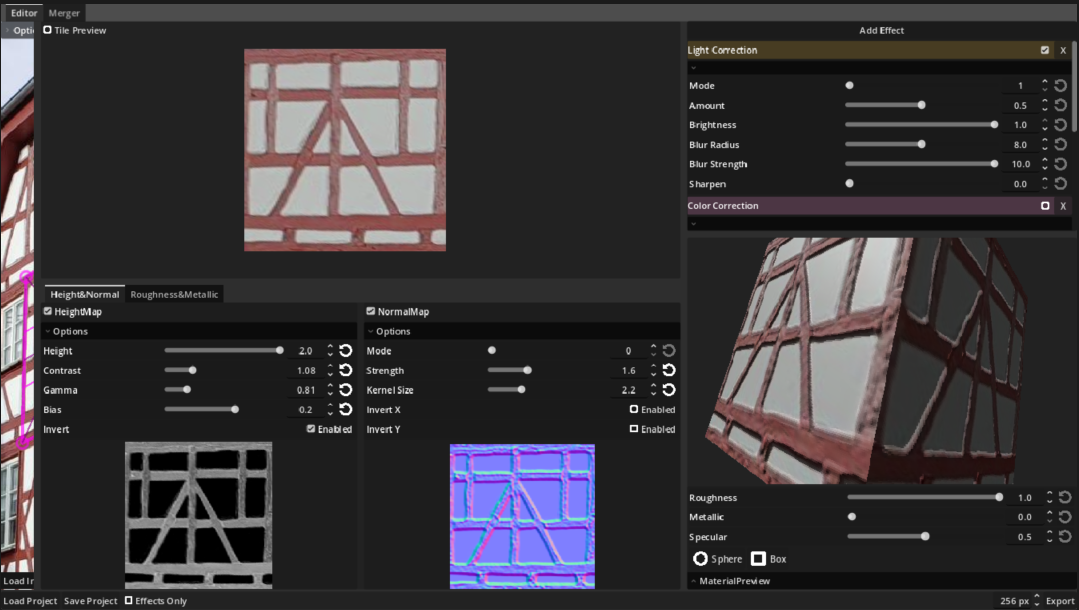
- Material Merger for creating mashups from your extracted tiles.
- Quality of Life feature for fast editing of the extraction frames
- More Material Preview Options.
- Roughness and Metallic Mask Generator
- More Normal Map Options
- Better SeamBlender Effect
- Bugfixes in Save/Load and some UI stuff.
Download
Click download now to get access to the following files:
Comments
Log in with itch.io to leave a comment.
Thank you so much for the tool! It's pretty amazing.
If you want some ideas for improvements: I think the UI still feels a bit yanky. Maybe the lines etc. could be slightly thinner and not take so much space.
And whats the reason for the 1024 x 1024 maximum? This makes the tool pretty unusable for many jobs.
Is it a performance / crash thing? Maybe you could make 4k the maximum? If it's prone to crashes, maybe only when an "experimental" mode is enabled or something?
Nice to hear! :)
There is no good reason for limiting it to 1024 honestly. Nobody said something, and i didn't thought about it either. Some effects and especially effect chains can be quite heavy, but who am i to limit it based on my low specs. On the other hand. The transformation will usually lead to having less available pixels anyway, so its not much different from upscaling afterwards i guess. In the next version (dropping within the next 3 weeks) you will be able to export up to 4096x4096, so basically unlimited i would say, as well as rectangular textures as was wished in the comment before.
On the UI: What lines do you mean? The marking lines on the canvas - The width can be edited in in the top left options. If you mean the separation between the containers/canvases, that i can easily change. Or do you mean the font sizes in general?
incredible software.
By any chance is it possible to export non square texture ? that the only limit I bump into :'(
Thanks!
Sure, exporting shouldn't be a problem. I don't know about the preview though. That would be certainly more work. I will look into it.
Thanks a lot i’ll Check every day for an answer :p
<3
Will definitely upload an update this September. Your fixes are already implemented, but I want to take the time for some more improvements and necessities here and there
This is a really nice and helpful tool, thank you. :)
Also thx for the linux support.
This is awesome!
Impressive work, I'm sure I'll be using this a lot!
It would be great if the 3d preview at the bottom right could be switched between a sphere, a box and a quad plane (especially for textures like buildings).
Oh i missed the quad plane, but the box is implemented. Also want to add the ability to change the light direction later on, but i hope that suffices for now.
BTW: Doubleclicking on the Preview will reset the transform of the mesh
Linux support?
Of course, added it! Hope it works as i cannot test it
Thank you, it works!